ChangeCoin Guide: Crypto Swaps Without an Account and Private Transfers
See how ChangeCoin’s public exchange works, what to check before sending a deposit, and how its Private Transfer option differs from a swap.
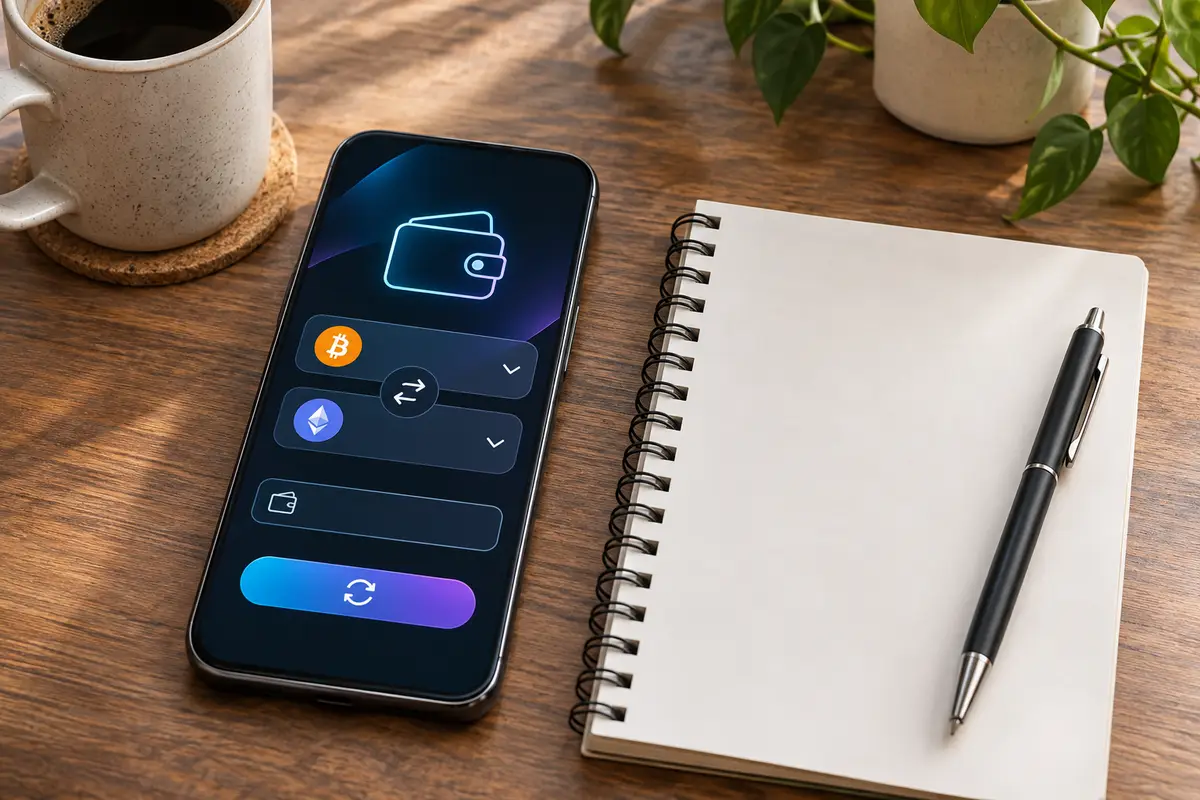
This guide walks you through ChangeCoin’s public exchange pages, including where to compare rate options, check supported currencies, and look up a transaction. Before you send anything, have the receiving wallet address ready and check which network that wallet expects for the coin you want.
How to make a swap
1. Choose a pair. On ChangeCoin, select the coin you want to send and the coin you want to receive. Enter the recipient’s wallet address. Check the network as well as the coin name: the service’s currency list shows separate entries for Ethereum on Ethereum, Arbitrum, and Base, for example.
2. Send the deposit. Review the order details and send the indicated amount to the deposit address generated for that swap. Compare the address in your sending wallet with the one shown on the order before confirming. ChangeCoin’s risk disclosure warns that a transfer to the wrong address may be irreversible.
3. Receive the exchanged crypto. Check the wallet you entered for the payout. Save the transaction ID so you can look up the order without having to reconstruct the details later.
The deposit address and receiving address serve different purposes: one is where you send the input coin, and the other is where you want the output coin delivered. If you’re setting up your first order, read the swap walkthrough before opening your sending wallet.
Fixed and floating rates
ChangeCoin offers both rate types and describes fixed rates as the option for receiving the expected amount. If you need to receive a specific amount, start by reviewing the fixed quote. When comparing options, put the amount you would send alongside the amount shown for receipt. A rate label by itself won’t tell you whether the displayed amounts fit your plans. See the fixed and floating rate guide for more on reading the two options.
When to use Private Transfer instead
Choose Private Transfer if you want the recipient to get the same coin on the same network rather than convert it. ChangeCoin says it pays the recipient from a separate address so the payout doesn’t show a direct on-chain link to your wallet. Your deposit is still public on the blockchain, so don’t treat this as an anonymous payment. Read the Private Transfer guide before relying on that distinction.
Supported pairs, support, and order status
ChangeCoin advertises more than 50,000 trading pairs and 24/7 support. Start by confirming that your exact pair and network are listed rather than relying on the headline count. The transaction status and currency guide explains where to enter your transaction ID and where to find the service’s currency list. If you contact support about a specific order, keep that ID and your sending wallet’s transaction record handy.
Before depositing, confirm that the service is available where you are. Crypto rules and tax treatment can vary by jurisdiction. If you need to keep records for reporting, save the order details and your wallet records together so you can identify the assets and amounts involved later.
Frequently asked questions
What does Finished mean on a ChangeCoin order?
ChangeCoin says Finished means the swap process is over. Check the receiving wallet for the payout.
Can I use Private Transfer to send a different coin to the recipient?
No. Private Transfer does not convert the coin. Use the exchange when you want the recipient to receive a different asset.
Does the Private Transfer calculator include the fee?
ChangeCoin says the calculator shows the amount you need to send with the fee included.
Can I add a refund address to a Private Transfer?
Yes. ChangeCoin lets you enter an optional refund address for use if the transfer can’t be completed.
Sources and review dates
- Service-provided information from the owner-supplied affiliate destination, for claims about that service only Checked 2026-11-27
- Service-provided information from the owner-supplied affiliate destination, for claims about that service only Checked 2026-11-27
- Service-provided information from the owner-supplied affiliate destination, for claims about that service only Checked 2026-11-27
- Service-provided information from the owner-supplied affiliate destination, for claims about that service only Checked 2026-11-27
- Service-provided information from the owner-supplied affiliate destination, for claims about that service only Checked 2026-11-27
- Service-provided information from the owner-supplied affiliate destination, for claims about that service only Checked 2026-11-27